
SOL PRO 3D Scanner – Professional Desktop 3D Scanner
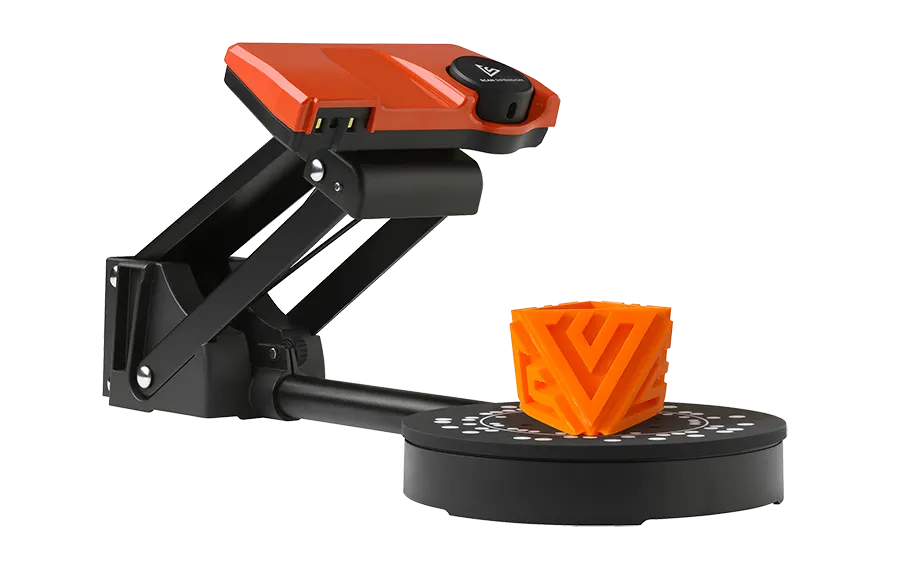
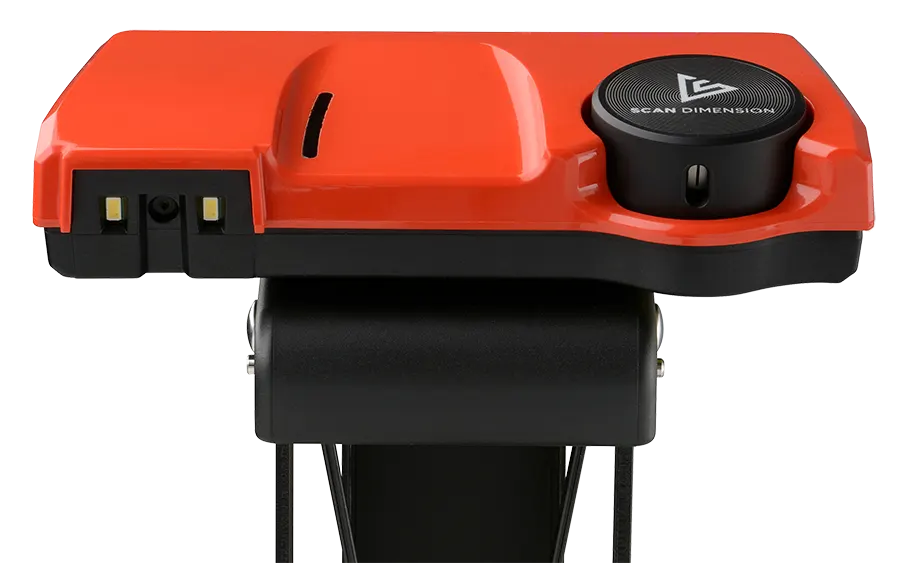
Presenting the SOL PRO 3D scanner from Scan Dimension, renowned as one of the most precise desktop 3D scanners available.
Boasting metrology-grade accuracy down to 0.05 mm (or 50 microns), this device effortlessly assesses volume, surface area, shape, size, and texture with utmost precision.
The SOL PRO 3D seamlessly integrates into your 3D workflow, serving as an ideal companion for tasks such as quality assurance, product inspection, prototyping, or 3D printing. Its exceptional precision and quality render it indispensable for these applications.
Despite its remarkable capabilities, the SOL PRO 3D is designed to be user-friendly. Its compact size and lightweight build ensure effortless handling.
Additionally, the accompanying software simplifies the scanning process further by automating calibration and meshing procedures, eliminating the need for manual alignment or removal of unwanted artifacts.
PLUS! Get FREE SmartFix Tech Support for 12 months!
£865.00 ex. VAT (£1,038.00 inc. VAT)
Discover More Key Features of the SOL PRO 3D Scanner
Maximum object scan size
6.7 x 6.7″ / 170 x 170 mm
Minimum object scan size
0.8 x 0.8 ” / 20 x 20 mm
Maximum weight of object
4.4 lbs / 2 kg
Point distance
> 0.26 mm
Maximum accuracy
0.05 mm (0.002 in)
Camera Resolution
8 MP
Scan speed
Normal: 15 min/Turbo: 8 min
Connectivity
USB 3.0
SOL PRO 3D Overview
Professional precision without the price tag
The SOL PRO 3D Scanner sets a new standard with metrology-grade accuracy of up to 0.05 mm (50 microns), empowering professionals to capture intricate details with outstanding fidelity.
Whether in design, manufacturing, or healthcare, this high level of precision ensures exact digital replication, enhances quality control, and accelerates the prototyping process.
Its accuracy not only improves workflows and minimises costly errors but also enables smarter problem-solving and drives innovation.
For industries where precision is paramount, the SOL PRO 3D Scanner is an indispensable tool.

3D scanning made easy
SOL is the only 3D scanner on the market with fully automated processes for calibration and meshing. Included is the intuitive software that delivers impressive scans with minimal user intervention. Calibrate, scan, mesh. That’s it!

Step 1 - Scan
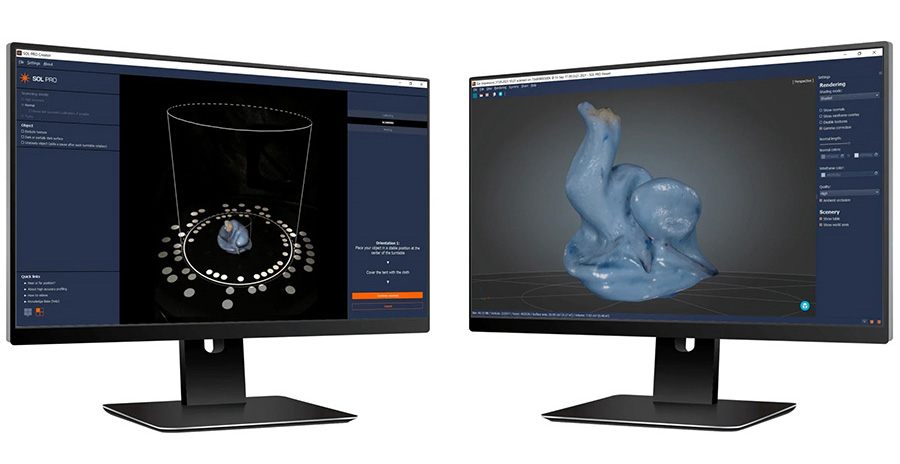
First, the scanner and turntable are automatically calibrated. Then objects are scanned 360° in different orientations to optimise texture. Use turbo mode to scan in as little as 10 minutes.

Step 2 - Processing
After scanning comings the processing or meshing phase. This process takes all the orientation scans captured during scanning and turns them into your stunning 3D image.

Step 3 - View, Share, Print
After scanning, you can view the 3D model in different renderings in SOL Viewer before exporting to various third-party 3D software for comparison, editing, measuring or 3D printing.
Advanced scanning and preview software
Achieve seamless operation with minimal effort using the SOL PRO 3D Scanner’s dedicated software suite.
Use SOL PRO Creator to guide you through scanning, calibration, and meshing with smart automation that simplifies your workflow and saves time. Once scanning is complete, SOL PRO Viewer makes it easy to inspect your 3D models, explore detailed renderings, and export files in formats like OBJ, STL, PLY, DAE, and XYZ.
Whether you’re comparing scans, editing models, or preparing for 3D printing, SOL PRO Creator and Viewer software ensures a smooth transition from scan to final output.
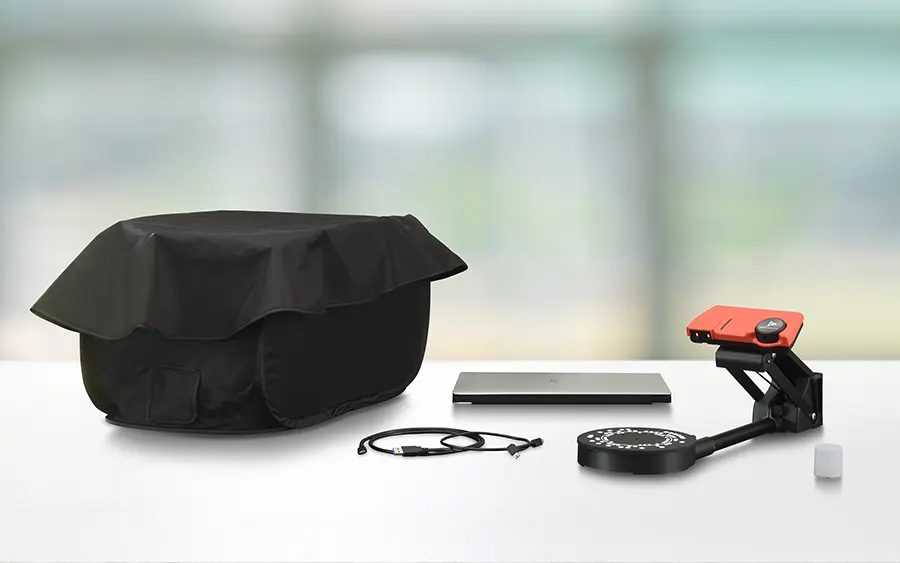
SOL PRO 3D Scanner includes everything you need to get started is included
Get scanning in minutes with everything you need included in the box.
- SOL PRO 3D scanner
- Turntable
- Scanner stand
- USB cables
- Blackout tent
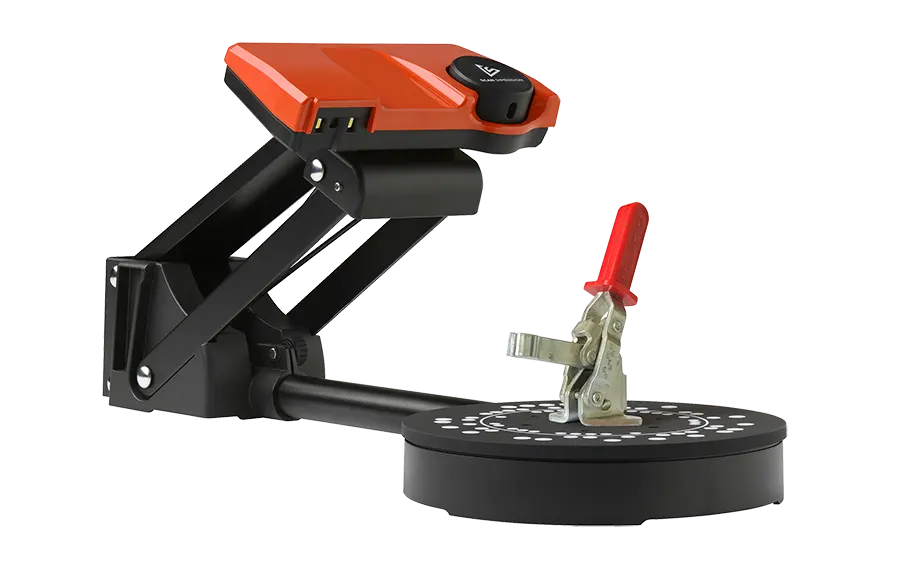
- Cylindrical target for high-accuracy profiling
- Software available for download: SOL Creator and SOL Viewer

Be impressed. Be inspired.
Look at these stunning 3D scans captured on the SOL PRO 3D scanner.
Please Note: Product images and videos may display additional options, accessories, or features that are available at extra cost. For full details, please refer to the key product features, specification table, and datasheet. All features, specifications, software, and related information are subject to change without notice.
Performance, features, and capabilities are based on the use of the equipment with its proprietary included software (where applicable). Compatibility with third-party software is not guaranteed or implied; users should consult the relevant software vendor to confirm suitability for their intended application.
Stated scanning and processing speeds are indicative and provided for guidance only. Actual performance may vary depending on factors such as media type, software configuration, system performance, and user experience.
Automated processing features are intended to enhance user experience, but results may vary based on usage and the materials being scanned. User input may still be required before or after processing. Please note that functionality and available features may differ between operating systems. Refer to the full product datasheet and specifications to confirm any such variations.
Business Digital Machines. Your Technology Experts for a Digital Future
At Business Digital Machines, we bring clever tech to busy teams. Whether you’re scanning, printing, creating, or simply trying to keep things running smoothly, we have smart solutions that make work easier and faster. From everyday essentials to cutting-edge tools, we help you work smarter—not harder. Ready to upgrade your setup? Dive into our range and discover what your tech can really do.

Specialists in the latest digital technology
Wide choice of products and solutions
Affordable and competitive pricing
Expert pre-sales advice to find the best product
Trusted technical support & aftersales care
Virtual installation and user training services
Comprehensive setup and user training options